Charging issues are one of the most common frustrations for iPhone users, disrupting daily routines from work calls to evening entertainment. Many people assume their phone is broken, but often the problem lies in the port, cable, charger, or even software settings. Understanding how to identify the real cause allows for quicker and safer solutions. Regular maintenance and careful use can prevent minor problems from becoming major headaches. In this article, we explore practical ways to diagnose and fix iPhone charging port issues for everyday users.
Step 1: Diagnose the Real Problem
Is It the Port, Cable, Charger, or Software?
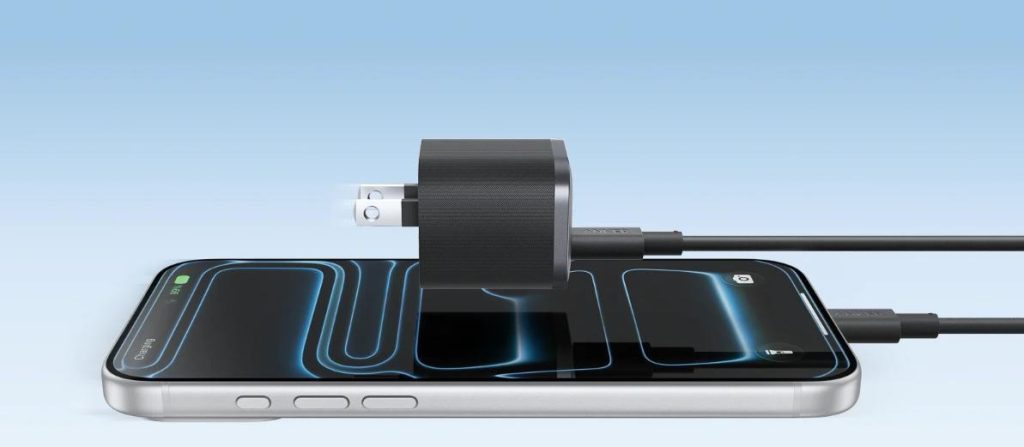
To pinpoint the cause of a charging issue, a systematic testing approach is recommended. Begin by trying a different cable or power adapter to see if the problem persists. Often, the issue lies with a worn‑out cable or an underpowered charger rather than the phone itself. For example, using a reliable charging set—such as Anker’s iphone 16 charger, which is designed with robust safety features and stable power output—can effectively resolve common charging inconsistencies thanks to its high‑quality cable and adapter. If swapping accessories does not help, the problem may be related to software or the charging port itself. This step‑by‑step method allows you to accurately identify the issue and avoid unnecessary repairs or replacements.
Common Symptoms of a Dirty or Damaged Port
A dirty or damaged port can cause intermittent charging or failure to connect entirely. Signs include the charging icon flickering, the cable not fitting snugly, or slower-than-usual charging speeds. Dust, lint, and small debris are common culprits, especially for users who carry their phones in pockets or bags. In some cases, a bent or damaged internal pin prevents a proper connection. Recognizing these symptoms early helps prevent long-term damage and keeps your device reliable.
Step 2: The Universal First Fix – Clean the Charging Port
Safe Tools and Methods to Remove Lint and Debris
Cleaning the charging port is often the simplest and most effective first step. Use a soft, dry brush or a toothpick carefully to remove lint or debris without damaging the internal contacts. Avoid using sharp metal tools that could scratch or break the port. Gently tapping the device or blowing with low-pressure air can also dislodge trapped particles. This small, routine maintenance step can dramatically improve charging performance and prevent future issues.
What Not to Do When Cleaning the Port
While cleaning, it’s important to avoid common mistakes that can cause more harm than good. Never use excessive force or insert liquids into the port. Avoid metallic objects that can short-circuit internal components. Do not attempt to clean while the phone is charging, as this can increase the risk of electric shock or damage. Following safe cleaning practices ensures the port remains functional for the long term. Being mindful of these precautions keeps your iPhone both safe and reliable in daily use.
Step 3: Basic Software and Connection Troubleshooting
Force Restart Your iPhone
Sometimes, charging issues are related to temporary software glitches. Performing a force restart can reset the phone’s charging logic and resolve unresponsive ports. This is a simple process that doesn’t erase data and often fixes minor glitches quickly. Many users find this step effective when the iPhone refuses to recognize a charger or cable intermittently. Regularly updating software also helps prevent these minor problems from recurring.
Check for Debris on the Cable and Try Different Accessories
Even if the port is clean, a worn or dirty cable can prevent charging. Inspect the connector for dirt, frays, or bent pins, and try using a different, high-quality cable. Using reliable accessories ensures consistent power delivery and reduces wear on the charging port. For example, choosing an iPhone 16 charger from Anker guarantees both a durable cable and a safe power brick, making daily charging hassle-free. Ensuring both the port and accessories are in good condition maximizes efficiency and longevity.
When to Seek Professional Repair?
Signs of Physical Damage or Liquid Contact
If cleaning and accessory changes do not fix the issue, there may be physical damage or liquid contact. Bent pins, corrosion, or internal water damage require professional evaluation. Attempting to repair these issues at home can worsen the problem and void warranties. Identifying the signs early allows users to seek appropriate service. Timely professional intervention ensures the iPhone is restored safely and maintains its long-term reliability.
Understanding Apple’s Repair Options
Apple provides repair options for both out-of-warranty and warranty-covered devices. Authorized repair centers can replace damaged ports or internal components safely. Knowing your repair options helps avoid unofficial repairs that could compromise device safety. Planning for professional repair when necessary reduces downtime and protects the investment in your device. Using authorized services ensures the phone continues to function correctly and safely in daily use.
How to Prevent Future Charging Port Problems?
Preventing port issues is easier than repairing them. Regularly clean the port, avoid carrying the phone in dirty pockets, and use high-quality cables and chargers. Ensuring proper insertion and removal of connectors prevents physical wear. Staying mindful of liquid exposure and software updates reduces the risk of glitches. Consistent preventative care keeps your iPhone reliable and extends the lifespan of both the port and battery.
Conclusion
Charging problems can disrupt daily routines, but systematic diagnosis and simple fixes often resolve them quickly. Identifying whether the issue lies in the port, cable, charger, or software prevents unnecessary replacements. Regular cleaning, careful handling, and the use of reliable accessories, like the Anker iPhone 16 charger, ensure consistent charging and device safety. Professional repair is recommended when physical or liquid damage is present. By adopting these practical habits, iPhone users can enjoy reliable charging and avoid common frustrations in everyday life.